01 The Basic Idea
Ray tracing answers a simple question: what color is this pixel? To find out, we shoot a ray from the camera through that pixel into the scene. If it hits something, we calculate what color that point should be based on lighting.
It's backwards from how light actually works (light goes from sources to your eye), but it's equivalent and far more efficient - we only trace rays that matter.
Click anywhere to cast a ray from the camera
Imagine standing behind a window screen. For each tiny hole in the screen, you look through it and note what color you see. That grid of colors becomes your image.
02 Ray-Sphere Intersection
The heart of a ray tracer is finding where rays hit objects. For spheres,
this becomes a quadratic equation. A ray is defined as P(t) = O + t·D
where O is the origin and D is the direction.
A point is on a sphere if its distance from the center equals the radius:
|P - C|² = r². Substitute the ray equation and expand:
|O + t·D - C|² = r²

Let L = O - C (vector from center to ray origin)

(D·D)t² + 2(D·L)t + (L·L - r²) = 0

This is at² + bt + c = 0 where:
  a = D·D
  b = 2(D·L)
  c = L·L - r²

Discriminant = b² - 4ac
  < 0  →  no intersection (ray misses)
  = 0  →  one intersection (ray grazes)
  > 0  →  two intersections (ray passes through)
03 Phong Illumination
Once we know where a ray hits, we need to calculate the color. The Phong model combines three components that approximate how real surfaces reflect light:
Color = Ambient + Diffuse + Specular

Ambient  = kₐ · Iₐ
           (constant background light)

Diffuse  = kd · I · max(0, N·L)
           (matte reflection, depends on angle to light)

Specular = ks · I · max(0, R·V)ⁿ
           (shiny highlights, depends on view angle)

where:
  N = surface normal
  L = direction to light
  V = direction to viewer
  R = reflected light direction
  n = shininess exponent
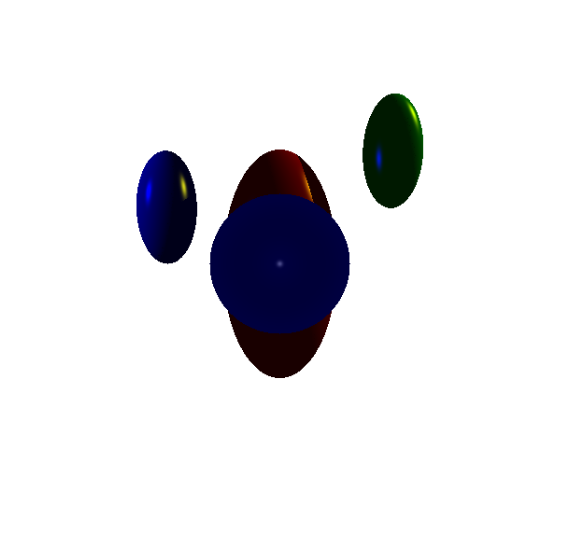
Full Phong illumination
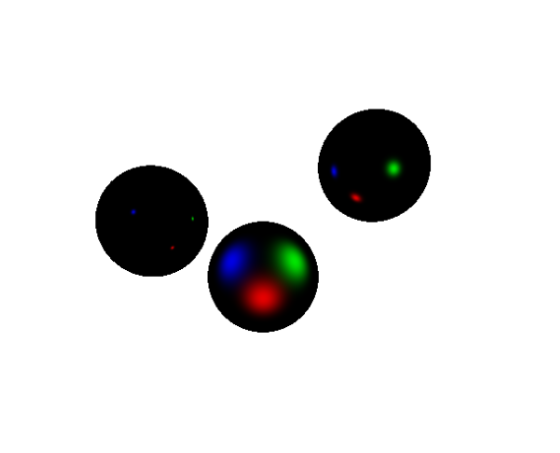
Specular highlights
04 Shadows
Shadows are surprisingly simple: before adding a light's contribution, cast a shadow ray from the hit point toward the light. If it hits something else first, that point is in shadow.
Drag the light source (yellow) to see shadow rays update
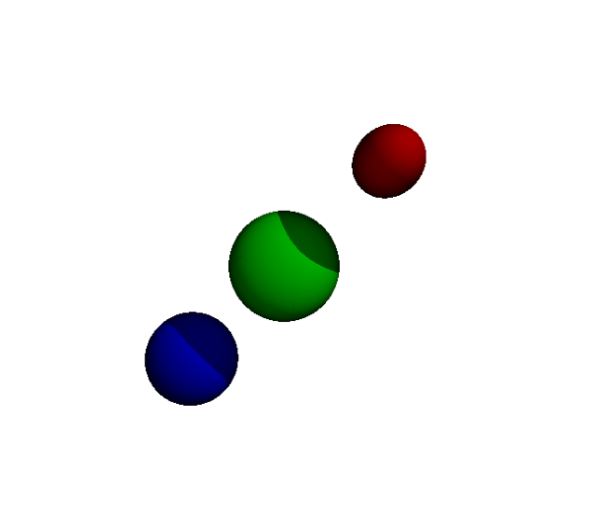
Shadows cast by multiple light sources
We're asking: "can light from this source reach this point?" If another object blocks the path, no light arrives - that's a shadow. It's the same logic as the primary ray, just in a different direction.
05 Reflections
Reflections make ray tracing recursive. When a ray hits a reflective surface, we spawn a new ray in the reflected direction and trace it. The color we get back contributes to the original pixel.
R = D - 2(D·N)N

where:
  D = incoming ray direction
  N = surface normal
  R = reflected ray direction

The ray "bounces" off the surface at the same angle it arrived.
Without a depth limit, reflections between two mirrors would recurse forever. We cap it - typically at 3-5 bounces. Each bounce attenuates the contribution, so deep reflections matter less anyway.
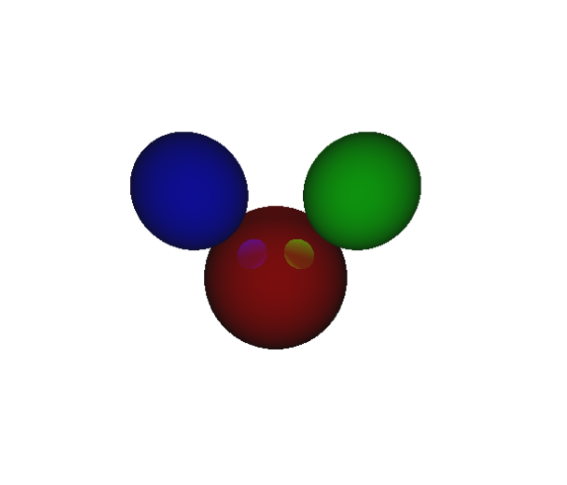
Recursive reflections (depth 3)
06 The Original Project
This interactive explainer is based on a C++ ray tracer I built for CSC 305. The full implementation includes scene file parsing, ellipsoid geometry, and outputs PPM images. I chose C++ for performance - renders complete in seconds rather than the minutes Python would have required.
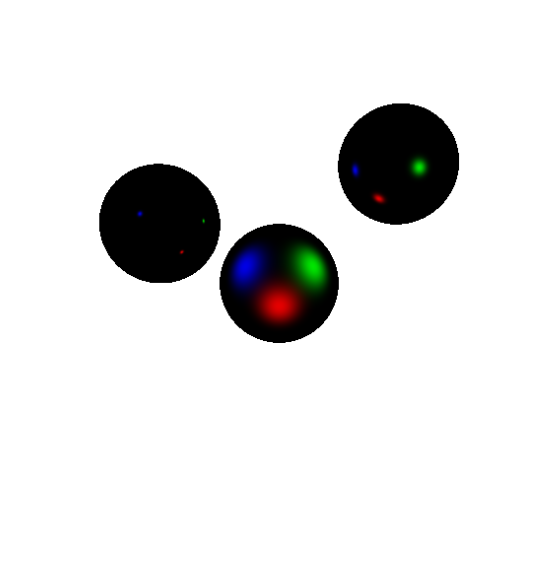
Final render with all features